 Central de Ajuda


Installing Master Control on an Android device for use by the remote support technician is a practical, efficient solution for professionals who need to connect to their customers, employees or corporate resources while away from the workplace. In this article, we explain simply how to install it and configure the app to keep support going, securely and reliably, even during field work.
Just note that this sequence may vary depending on the Android version used.
To begin, download the APK.
To start, open Google Play on the device and search for Master Control Android, or tap HERE.
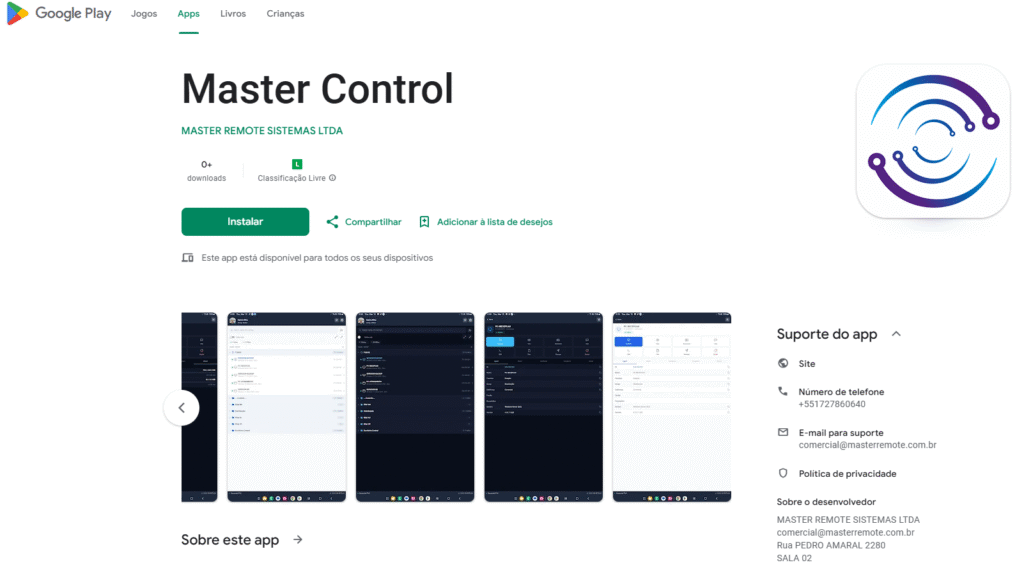
Here are some general guidelines for the installation. Note that the procedures may vary depending on the brand and model of your device. However, the following are the main steps

Depending on the device brand, model, Android version and configuration, you may see a message saying the installation was blocked, or simply that the app was not installed.
To fix this, follow these steps:
Turn off Play Protect
- Open the Play Store app.
- Go to the device account profile and select the Play Protect option.
- Tap the settings gear in the upper-right corner of the screen.
- Turn off app scanning with Play Protect.
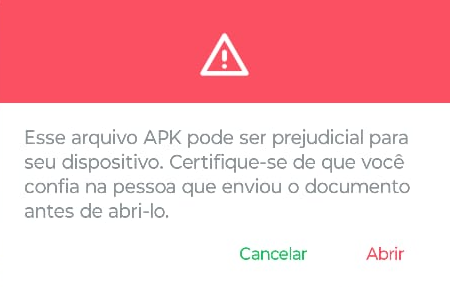
On some Android versions, an alert may say the file may be harmful. In this case, ignore the message and tap “Open” to continue the installation.
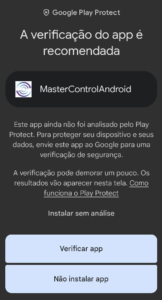
On some Android versions, an app scan may be requested. In this case, ignore the message and tap “ Install without scanning” to continue the installation.
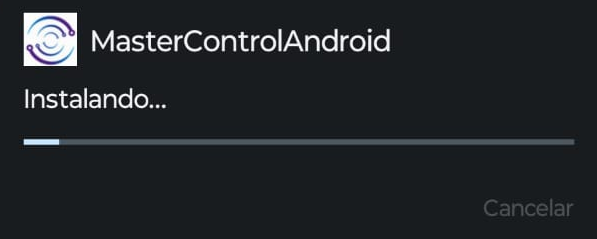
The installation will then start.
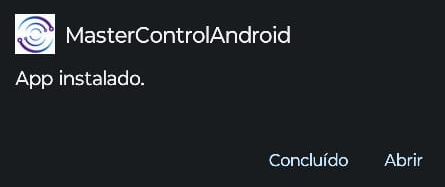
When the installation finishes, tap Open to run the app.
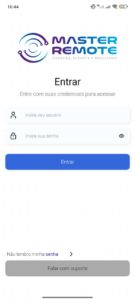
Now just sign in with your user previously registered in your Master Control Windows, and make the most of your Control Android.
Enjoyed the article? Check out what’s new on our WEBSITE, share the article with your friends and follow Master Remote on LinkedIn, YouTube, Instagram and Facebook. Also, explore other articles on the side and stay up to date with the latest news on customer support technology and cybersecurity.
YOU MAY ALSO BE INTERESTED IN: